
What would you like to change?
You do not need to know the technical cause. Tell us where it happens and what you would like to be able to do instead.
What we would check
We look at extending the home network from the existing fibre equipment. Moving provider-owned fibre equipment itself may need the provider.
We agree the useful areas and a sensible route with you before quoting the work.
Your next step
Request an assessment without choosing equipment, sending photos or making a payment. We will contact you to agree how to help.
More detail: the questions behind this guide
For readers who want to understand the equipment and installation considerations.
openreach installed fibre in garage
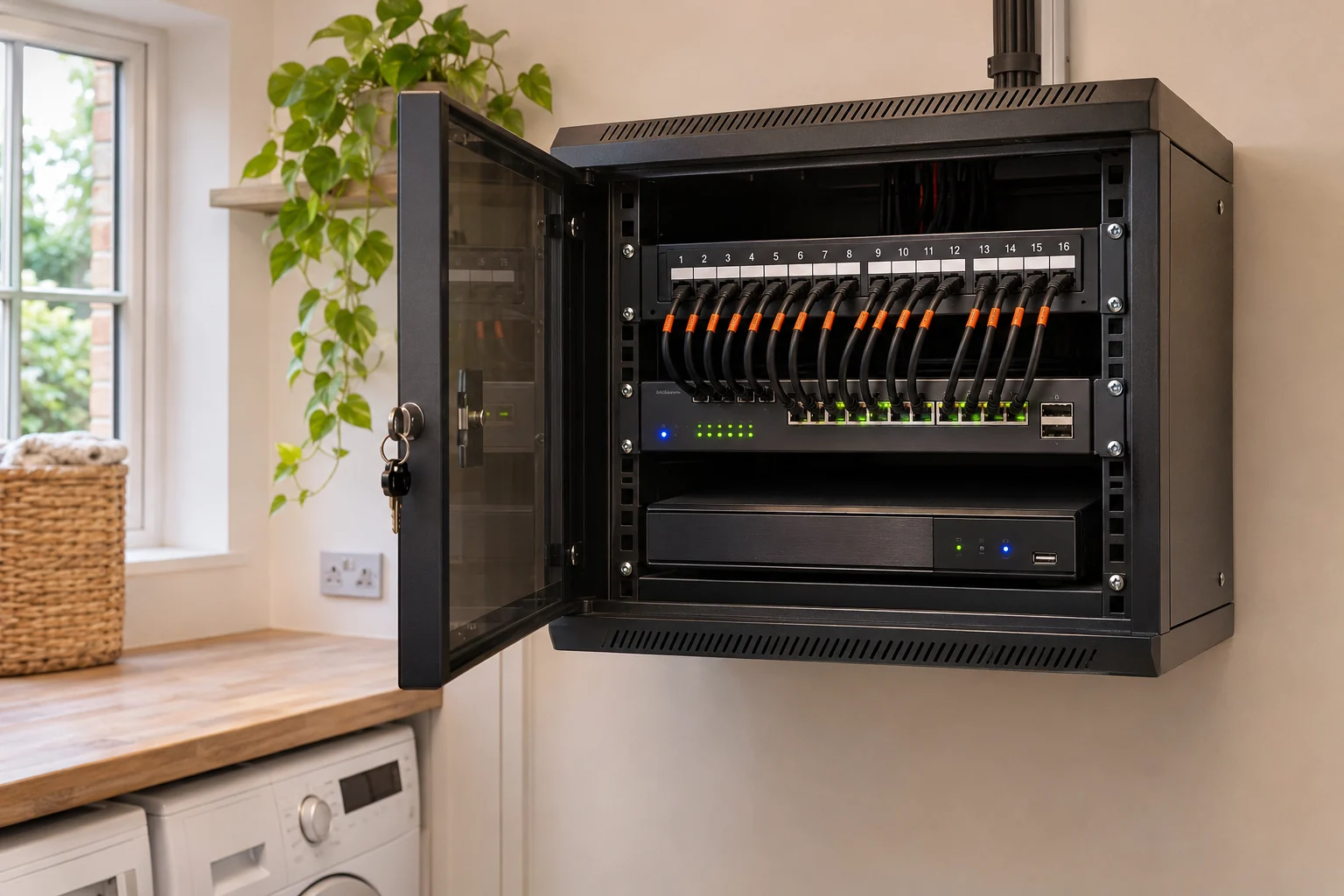
The existing ONT may be near the entry point rather than the best Wi-Fi position. Keep the provider-owned optical ONT intact: the proposed job extends its Ethernet connection to a better router or cabinet position. Check the WAN cable path, power and selected equipment before moving the router; no optical-fibre alteration is included.
move broadband router from garage
Leaving the optical ONT intact while routing high-speed Cat6 into the central home. Keep the provider-owned optical ONT intact: the proposed job extends its Ethernet connection to a better router or cabinet position. Check the WAN cable path, power and selected equipment before moving the router; no optical-fibre alteration is included.
fibre ont in hallway router location
Use a tested gigabit-capable uplink to distribute the available service from a central hub. Keep the provider-owned optical ONT intact: the proposed job extends its Ethernet connection to a better router or cabinet position. Check the WAN cable path, power and selected equipment before moving the router; no optical-fibre alteration is included.
cityfibre box in wrong room
Professional internal cable concealment along skirting and ceiling voids. Keep the provider-owned optical ONT intact: the proposed job extends its Ethernet connection to a better router or cabinet position. Check the WAN cable path, power and selected equipment before moving the router; no optical-fibre alteration is included.
Your questions, answered.
My fibre box is in the wrong place. What can I do?
We look at extending the home network from the existing fibre equipment. Moving provider-owned fibre equipment itself may need the provider.
Do I need to know which equipment to buy?
No. Tell us what is not working or what you want to do. We check your connection, the property and the areas you need before recommending equipment.
Do I need photos to ask for a visit?
No. You can request an assessment without photos. If useful, we can ask for a couple of photos later. Never climb or move equipment to take one.
Will I have to pay before someone looks at the problem?
There is no payment to make an enquiry or for the initial local assessment. We confirm the visit with you, explain suitable options and provide a written quote before you agree to installation.